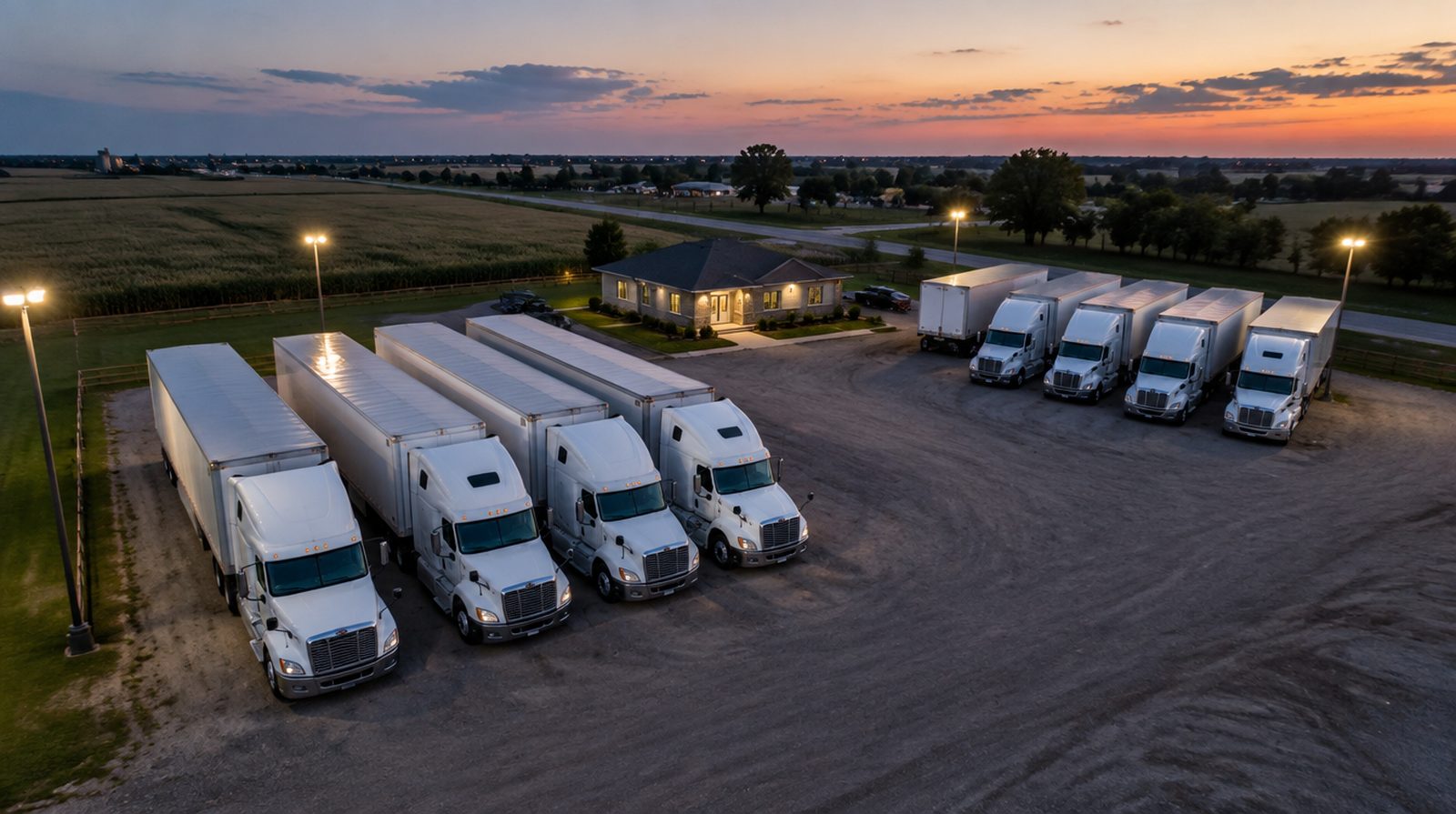
Less retyping. Fewer surprises. Earlier phone calls.
A trucking office loses its day to the same twenty small jobs: keying a rate-con, looking a broker up, chasing a BOL, noticing the truck is late, working out what a driver is owed. NSLogi does those jobs itself, tells you what it did, and leaves the decisions to you.
What happens while your dispatcher drinks their coffee
Every line below is something the software does on its own today. Nothing goes to a broker or a driver without a person choosing to send it.
Rate confirmation → load, with the broker already vetted
A vision model reads the PDF the way a dispatcher does, then NSLogi does what a dispatcher has to look up.
- Read: load and reference numbers, every stop with its appointment window, line haul, lumper, fuel surcharge, equipment, weight, temperature
- Match: the broker's MC and USDOT against FMCSA. Several records with the same name? The paper's own USDOT, MC, address and ZIP pick the right one. A printed MC that now points at an inactive company loses to the active record that matches the name — and the load gets a note saying so
- Fill: a new broker is created with address, phone, fax, website and accounting e-mail from the paper and from FMCSA; an existing broker's blanks are filled, never overwritten
- Block: a broker whose authority is inactive or whose bond is missing cannot be put on a load
- Attach: the PDF is on the load as its rate confirmation, ready for the invoice
Same pipeline for forwarded e-mails: the intake inbox holds rate-cons that arrive by mail or API until someone turns them into loads.

Alerts that reach the right person once
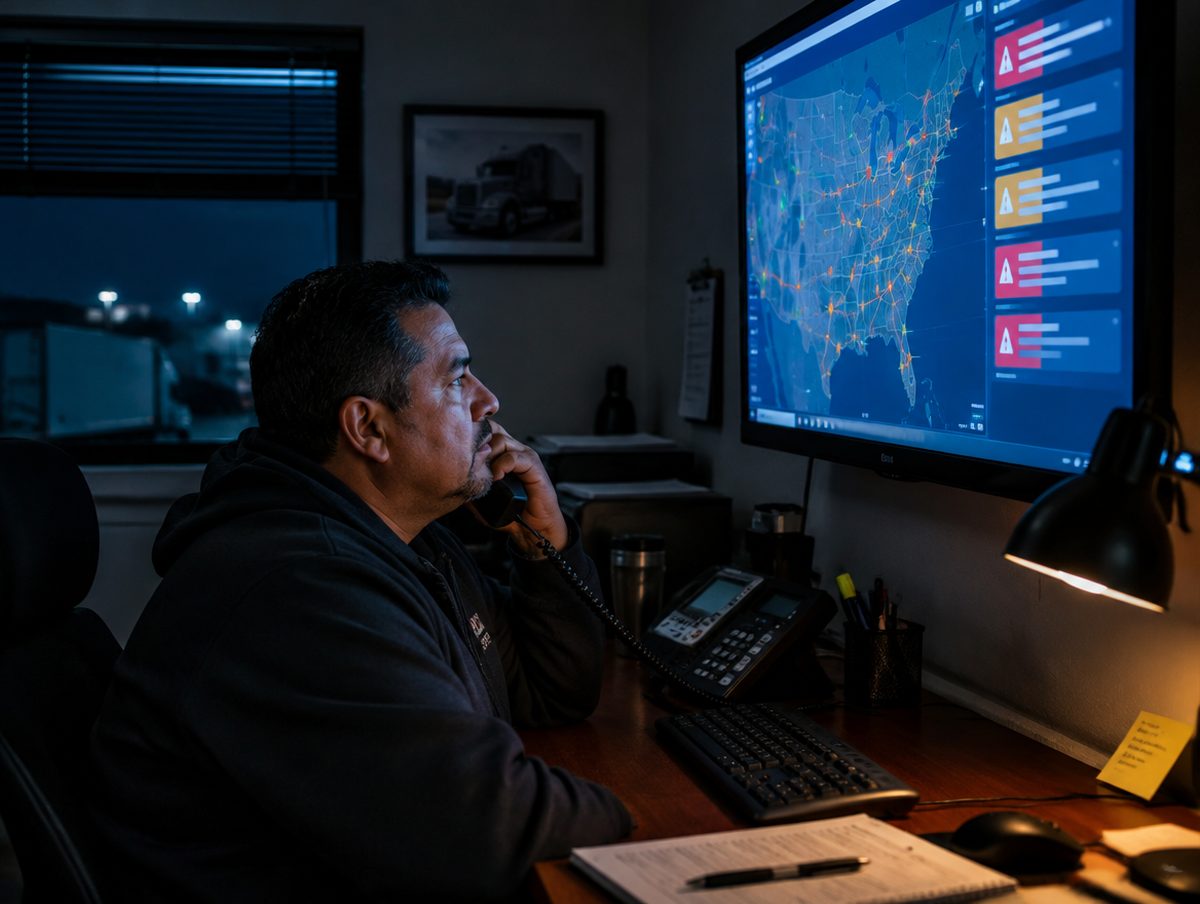
Every ten minutes NSLogi looks at every active load with a GPS position and every truck that's checked in.
- Running late: road distance to the next stop at the truck's speed (or 45 mph if it's slower, 50 if it's stopped) against the appointment window. Late → the load's dispatcher, or everyone who can dispatch if it has none
- Detention starting: free time about to run out on a checked-in stop, with the rate from your settings
- Cooldowns: a late truck is raised once an hour, detention once every four; ETA e-mails to a broker at most every 30 minutes, detention notices every two hours — so the phone doesn't get tuned out
- Three channels: the bell in the app, a push notification on the phone, and e-mail when your company has connected a mailbox
- Weather: the forecast at the next stop for its appointment hour, and the conditions where the truck is now, on every card
The rest of the list
Safety record, watched nightly
A CAB-style report built from FMCSA's open data: OOS rates against national, BASIC measures with estimated percentiles, inspections with units and violations, crashes, insurance and authority history, radius of operations. New inspection, crash or insurance cancellation → an alert before a broker sees it.
Driver behavior points, automatic
Roadside violations and GPS speeding or harsh-driving events become points on the driver that expire at month end, feed the safety score in the leaderboard, and show on the driver's record — with the source, not just a number.
EDI without a VAN bill
204 tenders in, 990 accept or decline out, 214 status updates from your check-ins, 210 invoices from your invoices — through an API gateway, exposed to you as an inbox and a button. Enterprise.
Load boards inside the board
DAT search with the poster's credit score and days-to-pay beside each result; one-click truck postings from the available-trucks list that refresh themselves every hour; the market rate next to your rate on every load; backhaul suggestions on the way home; C.H. Robinson search and booking. Enterprise.
Settlements that check themselves
Per-driver and per-lane pay rules, percentage or per-mile, applied as loads deliver. Recurring deductions, advances, escrow with a running balance. Load miles versus odometer miles, with flags that stop a settlement finalizing until the difference is explained. A paystub that shows every line.
IFTA and fuel, reconciled
Per-state miles from stops or from the truck's GPS; fuel purchases by state; MPG estimated from the truck's year and model when there's no fuel record; a reconciliation page that flags the states where miles and fuel disagree.
GPS miles into the books
Odometer readings from your GPS provider become daily miles per truck — into settlements, into Revenue by Truck, into the driver leaderboard — with device swaps and resets handled instead of producing negative miles.
Brokers that fill themselves in
Type an MC or USDOT and the broker's legal name, address, phone, authority status, bond and insurance come from FMCSA. Sign-up does the same for your own company.
A change log on everything
Who changed what, when, on every load, invoice, driver and truck — written as part of the save, not as an afterthought. Deleted records sit in a recycle bin for the plan's retention period.
What's automated, what stays yours
The line is simple: NSLogi reads, computes, watches and drafts. People send, pay and decide.
| Job | NSLogi does | A person does |
|---|---|---|
| New load from a rate-con | Reads the PDF, matches and vets the broker, drafts the load, attaches the paper | Glances at the draft, saves |
| Late truck | Notices it, alerts the dispatcher, drafts the broker's ETA e-mail | Calls the driver, clicks Send ETA |
| Detention | Tracks the clock, computes the charge, alerts, drafts the notice | Clicks Notify detention, adds the charge to the invoice |
| BOL | Turns photos into one PDF, files it on the load, clears the waiting list | Takes the photos |
| Invoice | Builds it with the papers, numbers it, applies factoring, freezes it at send | Clicks Send, marks it paid |
| Settlement | Applies pay rules and deductions, flags what doesn't reconcile, renders the paystub | Reviews the flags, finalizes, pays |
| Safety | Refreshes nightly, attributes inspections to drivers, alerts on new events | Talks to the driver |
| Load boards | Searches, shows credit and market rate, keeps truck postings fresh | Picks the load, books it |
Reads paperwork today. Answers questions next.
Two kinds of AI, kept apart on purpose: a vision model that reads documents into structured drafts you approve, and an assistant that answers questions from your own records.
How it stays inside your company
- Retrieval runs through the same company-key filter as every screen; the model is handed only rows your company owns
- Exact figures come from parameterized queries on your data, never from a model's memory
- Every answer cites the loads, invoices or documents it used, so it can be checked in one click
- Drafts are drafts: nothing is sent to a broker or a driver by the assistant
- Your documents and records are not used to train models
Where it runs
On Azure, in the same region as your database, through a private model endpoint. Enterprise companies with their own database keep the assistant's retrieval inside that database too.
Where the data comes from
| Broker and carrier records | FMCSA QCMobile (authority, insurance, bond, fleet size) |
| Safety report | FMCSA open data: inspections, violations, crashes, SMS measures, insurance and authority history, out-of-service orders |
| Positions and miles | Your GPS provider's webhook (Verizon Connect today) |
| Weather | Open-Meteo, at the stop's coordinates for its appointment hour |
| Loads and rates | DAT and C.H. Robinson, with your own accounts |
| Tenders and statuses | Your EDI trading partners through the gateway |
| Documents | Your drivers' phones, your scanner, forwarded e-mail |
Questions people ask
What if the rate-con reader gets something wrong?
It opens a draft, not a booked load. The PDF sits beside the fields; you correct and save. Corrections don't leave your company.
Will it spam my dispatchers?
No. Each alert kind has a cooldown per load — once an hour for late trucks, once every four hours for detention — and each e-mail to a broker is logged with a cooldown too.
Does it need our GPS units to work?
No. Without GPS you still get check-in based late alerts, detention clocks, the safety report, rate-con reading, EDI and everything in accounting. GPS adds live ETA, weather at the truck and odometer miles.
Can a driver see any of this?
Drivers see their own loads, stops, documents and pay. They never see rates, other drivers or the dispatcher's alerts.
Which plans include what?
Rate-con import from Solo; OCR, intake, weather, alerts and the safety report from Fleet; GPS from Pro; EDI, load boards, carrier vetting and the assistant on Enterprise. Any of them can be added to a lower plan on its own — see pricing.
Can we turn an automation off?
Yes. Alerts, e-mails and refresh jobs are per company; anything you don't want simply isn't connected or is switched off in Settings.
See it on your own loads.
Import a rate-con on the free plan and watch the load build itself.